

CottBuzz

Add to Home Screen

CottBuzz Home Screen icon

Keep CottBuzz one tap away. No app store needed.

iPhone / iPad

  1. Open cottbuzz.com.au in Safari or Chrome.
  2. Tap your browser’s Share button , the square with an upward arrow. You may need to open the browser’s menu first.
  3. Scroll down and choose Add to Home Screen. On iPad, tap View More or More first if needed.
  4. Turn on Open as Web App if shown, then tap Add.

Missing the option? In Safari, scroll to Edit Actions to add it. If your browser doesn’t offer it, try Safari.

Android

If the Install CottBuzz button is shown, tap it and follow the prompts. Or:

  1. Open cottbuzz.com.au in Chrome.
  2. Open Chrome’s More menu (⋮), then choose Install and create shortcut.
  3. Choose Install or Create shortcut, then follow the prompts.

Older versions may call this Add to Home screen or Install app.

Opened CottBuzz inside another app? Open it in Safari on iPhone/iPad or Chrome on Android first. An internet connection is still needed.

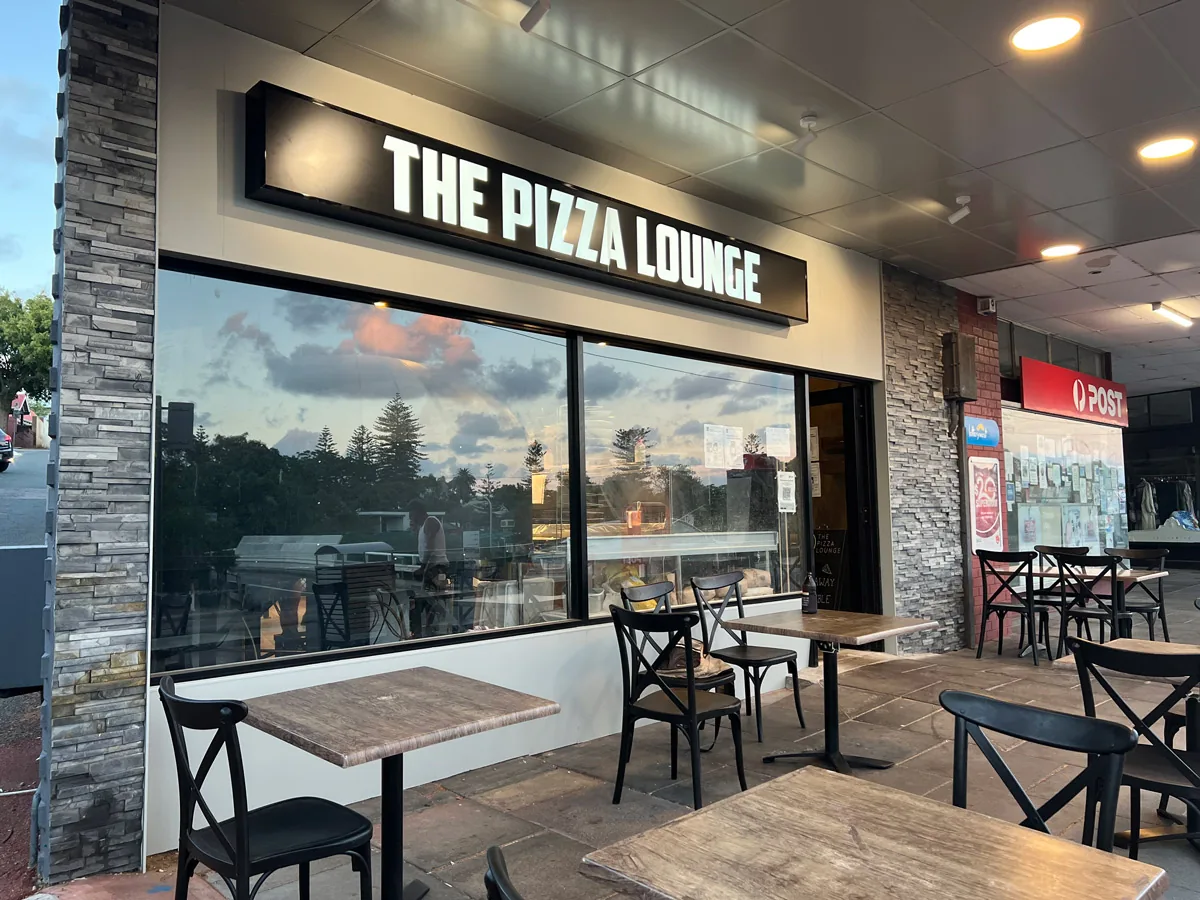
The Pizza Lounge

Wood-fired pizza in Swanbourne village, with pasta, salads and desserts for a sit-down meal, takeaway or local delivery.

Open on the CottBuzz map

Shop 1, 111 Claremont Crescent, Swanbourne

The Pizza Lounge makes its own bases and cooks pizzas in a traditional wood-fired oven. The menu stretches from familiar toppings to more adventurous combinations, with pasta, salads, sides and desserts alongside. Its Claremont Crescent venue is licensed for dining in, and also offers pickup and delivery within selected local suburbs.

Useful links