

CottBuzz

Add to Home Screen

CottBuzz Home Screen icon

Keep CottBuzz one tap away. No app store needed.

iPhone / iPad

  1. Open cottbuzz.com.au in Safari or Chrome.
  2. Tap your browser’s Share button , the square with an upward arrow. You may need to open the browser’s menu first.
  3. Scroll down and choose Add to Home Screen. On iPad, tap View More or More first if needed.
  4. Turn on Open as Web App if shown, then tap Add.

Missing the option? In Safari, scroll to Edit Actions to add it. If your browser doesn’t offer it, try Safari.

Android

If the Install CottBuzz button is shown, tap it and follow the prompts. Or:

  1. Open cottbuzz.com.au in Chrome.
  2. Open Chrome’s More menu (⋮), then choose Install and create shortcut.
  3. Choose Install or Create shortcut, then follow the prompts.

Older versions may call this Add to Home screen or Install app.

Opened CottBuzz inside another app? Open it in Safari on iPhone/iPad or Chrome on Android first. An internet connection is still needed.

Bedtonic

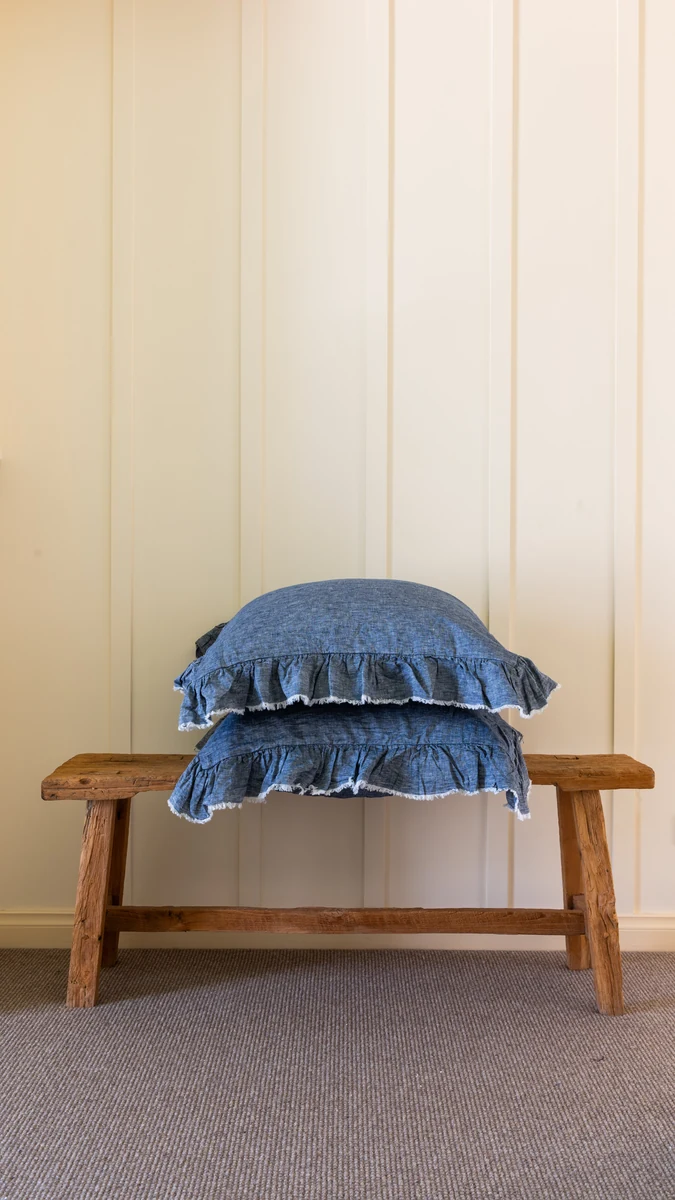
Linen bedding and relaxed clothing at Bedtonic’s Swanbourne Dream Room, where you can see the fabrics and colours in person.

Open on the CottBuzz map

131 Claremont Crescent, Swanbourne

Bedtonic’s Dream Room on Claremont Crescent brings the Perth label’s linen bedding and clothing into a shop setting. Browse pieces for the bed alongside easy-wearing garments such as its slouch pants, poet's tunics, skirts and pyjamas. The range centres on flax linen and other natural fibres, so a visit is a chance to compare the texture, weight and colours before choosing something for home or your wardrobe.

Useful links