
CottBuzz

Add to Home Screen

CottBuzz Home Screen icon

Keep CottBuzz one tap away. No app store needed.

iPhone / iPad

  1. Open cottbuzz.com.au in Safari or Chrome.
  2. Tap your browser’s Share button , the square with an upward arrow. You may need to open the browser’s menu first.
  3. Scroll down and choose Add to Home Screen. On iPad, tap View More or More first if needed.
  4. Turn on Open as Web App if shown, then tap Add.

Missing the option? In Safari, scroll to Edit Actions to add it. If your browser doesn’t offer it, try Safari.

Android

If the Install CottBuzz button is shown, tap it and follow the prompts. Or:

  1. Open cottbuzz.com.au in Chrome.
  2. Open Chrome’s More menu (⋮), then choose Install and create shortcut.
  3. Choose Install or Create shortcut, then follow the prompts.

Older versions may call this Add to Home screen or Install app.

Opened CottBuzz inside another app? Open it in Safari on iPhone/iPad or Chrome on Android first. An internet connection is still needed.

Library & community

Family Christmas at The Grove

At The Grove Library

Family Christmas at The Grove
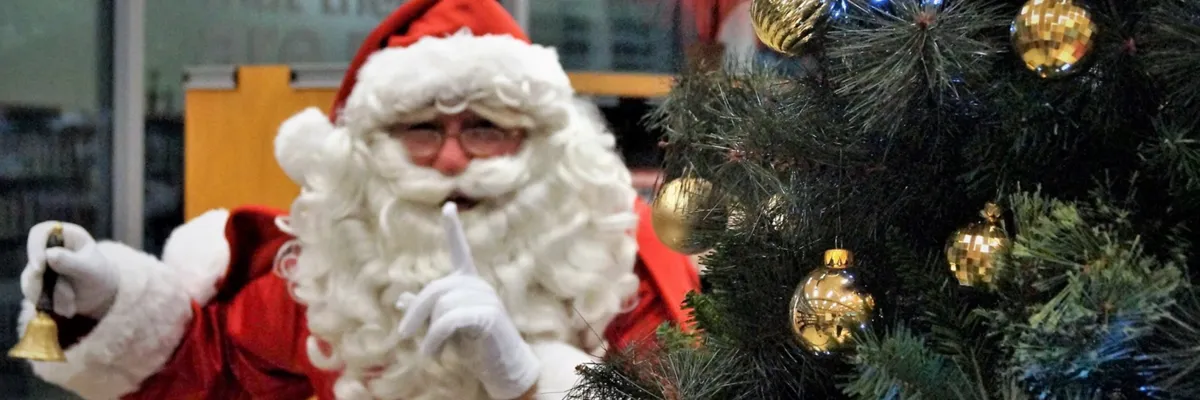
Santa beside a Christmas tree in The Grove’s festive event image
Image: The Grove Library; photographer uncredited
When

6.30–8pm
Where
The Grove Library, 1 Leake Street, Peppermint Grove WA 6011
Organiser
The Grove Library
Price & entry
Free

Gather at The Grove for a festive storytime with storyteller Glenn Swift. Santa and an elf are also expected to join the evening, giving families a chance to enjoy Christmas stories together in the library’s main hall. Check the library event page for children’s reservations.

Good to know

  • RSVP for children only through the library event page.

Organiser details & booking ↗

Checked 4 November 2026. Check the organiser’s page for availability and changes.

More local events →